Countdown Calculator
Create customizable countdowns to important dates and events with shareable links, milestone notifications, and multiple timezone support
Frequently Asked Questions
How can I set a countdown for an event that spans multiple days?
Simply enter the total number of hours, minutes, and seconds remaining until your event. The countdown will automatically handle the conversion and display the remaining time in days, hours, minutes, and seconds.
Can I pause and resume the countdown timer?
Yes, our countdown timer allows you to pause and resume at any point. Just click the pause button to stop the timer and the resume button to continue.
Does the countdown timer work in the background if I close the browser?
No, the countdown timer requires the browser tab to be open and active. Closing the tab or browser will stop the timer.
Can I share my countdown timer with others?
Yes, you can generate a shareable link for your countdown timer, allowing others to view the same countdown on their devices.
Is there an alarm or notification when the countdown reaches zero?
Yes, the countdown timer will trigger an audible alarm and a browser notification (if enabled) when the time reaches zero.
Related Calculators

Countdown Calculator in Dark Mode
Create countdowns with our dark-themed calculator. Track time until important events and deadlines.
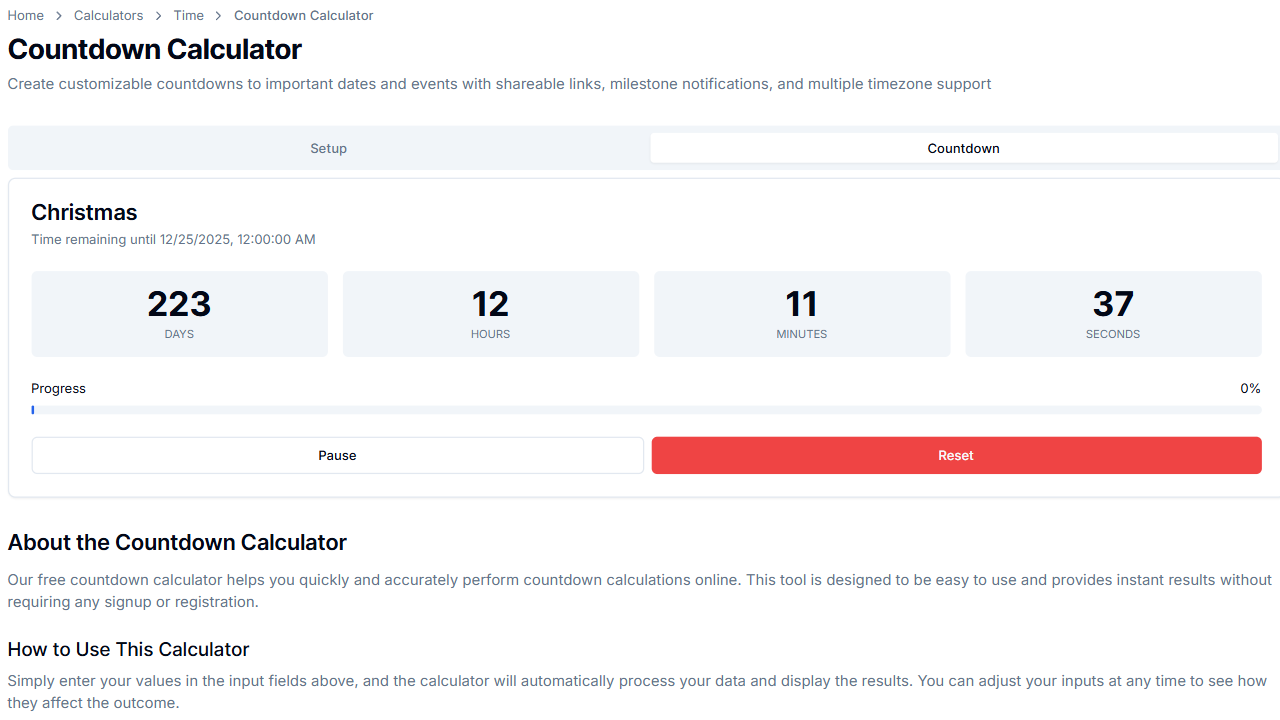
Countdown Calculator in Light Mode
Set countdowns with our calculator. Track time until important events and deadlines.