Scientific Calculator
Access advanced mathematical functions including trigonometry, logarithms, exponents, and complex number operations for academic and professional use
Frequently Asked Questions
How do I calculate logarithms with different bases using the scientific calculator?
Use the change of base formula: logₐ(b) = ln(b)/ln(a). First calculate natural log of both numbers, then divide them.
Can the scientific calculator handle complex numbers?
Yes, it supports complex number operations including addition, subtraction, multiplication, and division in a+bi format.
What's the difference between DEG and RAD modes in trigonometric functions?
DEG mode calculates angles in degrees (0-360), while RAD mode uses radians (0-2π). The mode affects sin, cos, tan and their inverses.
How do I calculate factorial for non-integer numbers?
The calculator uses the gamma function (Γ(n) = (n-1)!) to extend factorials to real and complex numbers, except negative integers.
Can I store and recall values in memory during calculations?
Yes, most scientific calculators have multiple memory registers (typically labeled M1, M2, etc.) for storing intermediate results.
Related Calculators
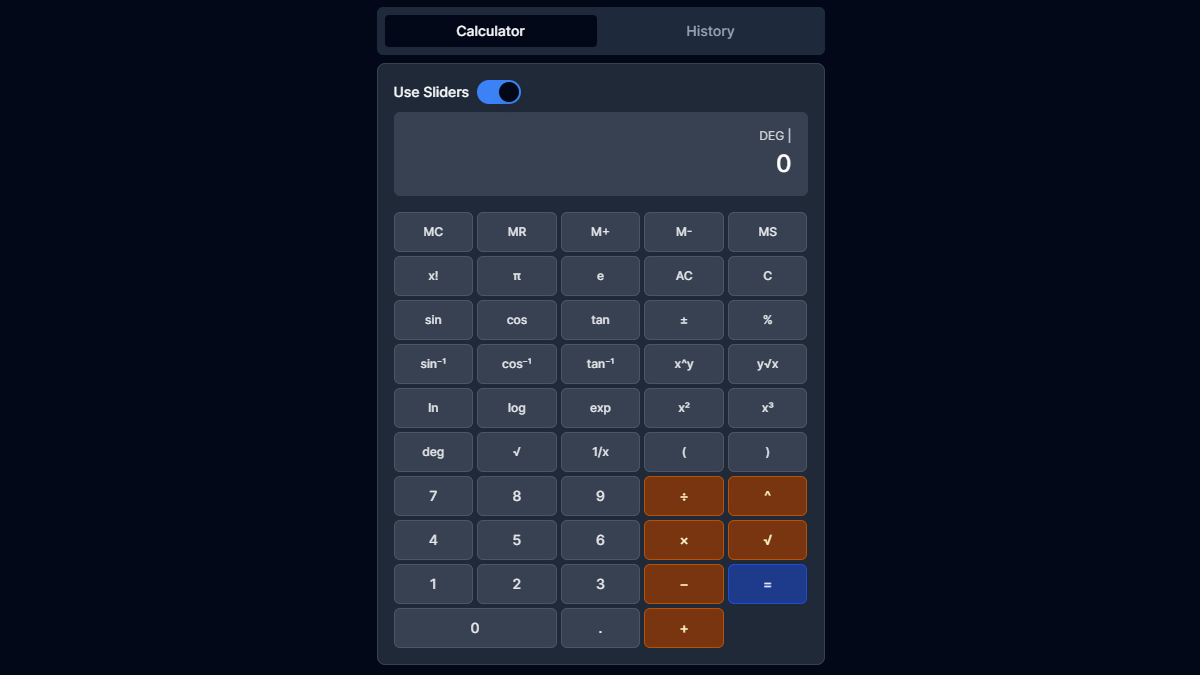
Scientific Calculator in Dark Mode
Advanced scientific calculations with our dark-themed calculator. Features include trigonometric functions, logarithms, and complex mathematical operations.

Scientific Calculator in Light Mode
Powerful scientific calculator with a clean light interface. Perfect for students and professionals needing advanced mathematical functions.